 0:57
0:57
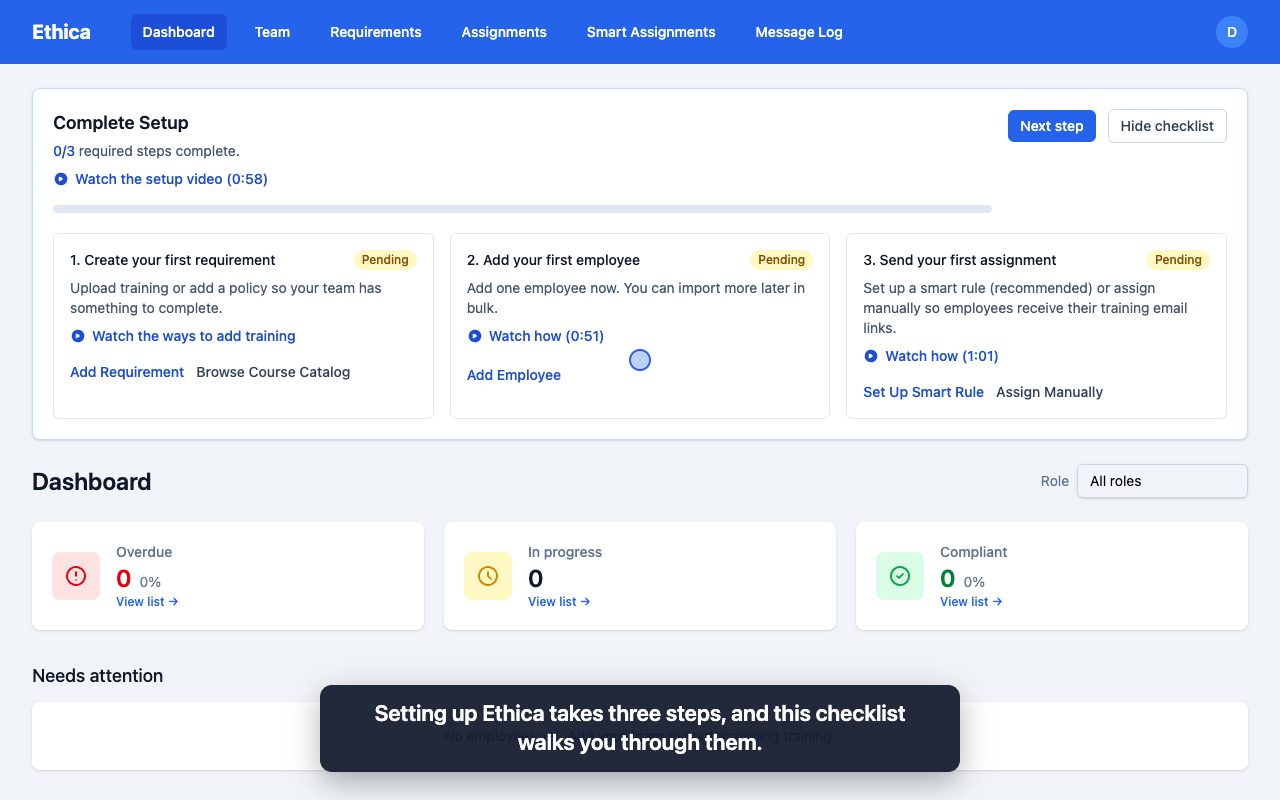
How to set up Ethica in 3 steps
Get Ethica running in three steps: add your training, add your team, and send it out. Ethica handles the reminders and the record from there.
How it works
Send your team the training they need, let Ethica handle the reminders, and pull a record of who completed what, and when, the moment someone asks for proof. Watch each step in under a minute.
0:57
Get Ethica running in three steps: add your training, add your team, and send it out. Ethica handles the reminders and the record from there.
 0:44
0:44
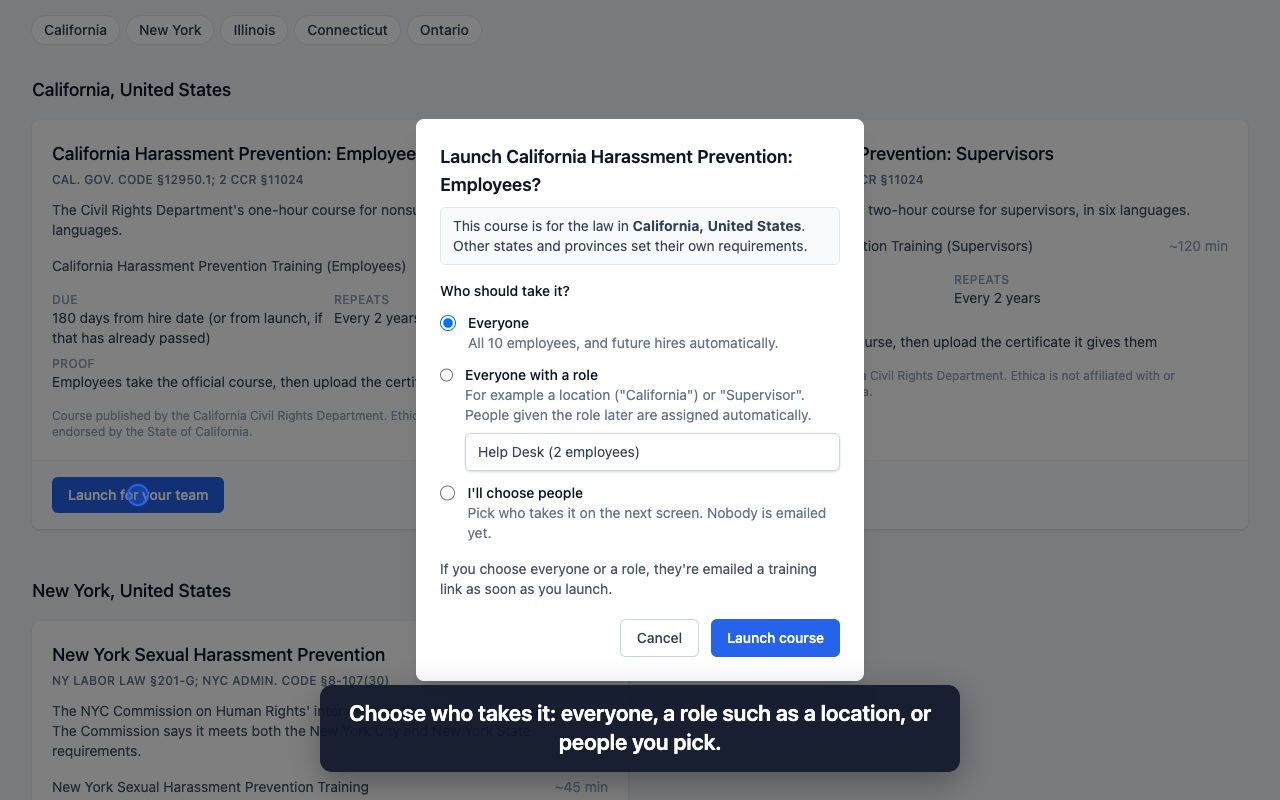
Launch the official harassment prevention courses for California, New York, Illinois and Connecticut, or Ontario's required training, in a couple of clicks.
 0:46
0:46
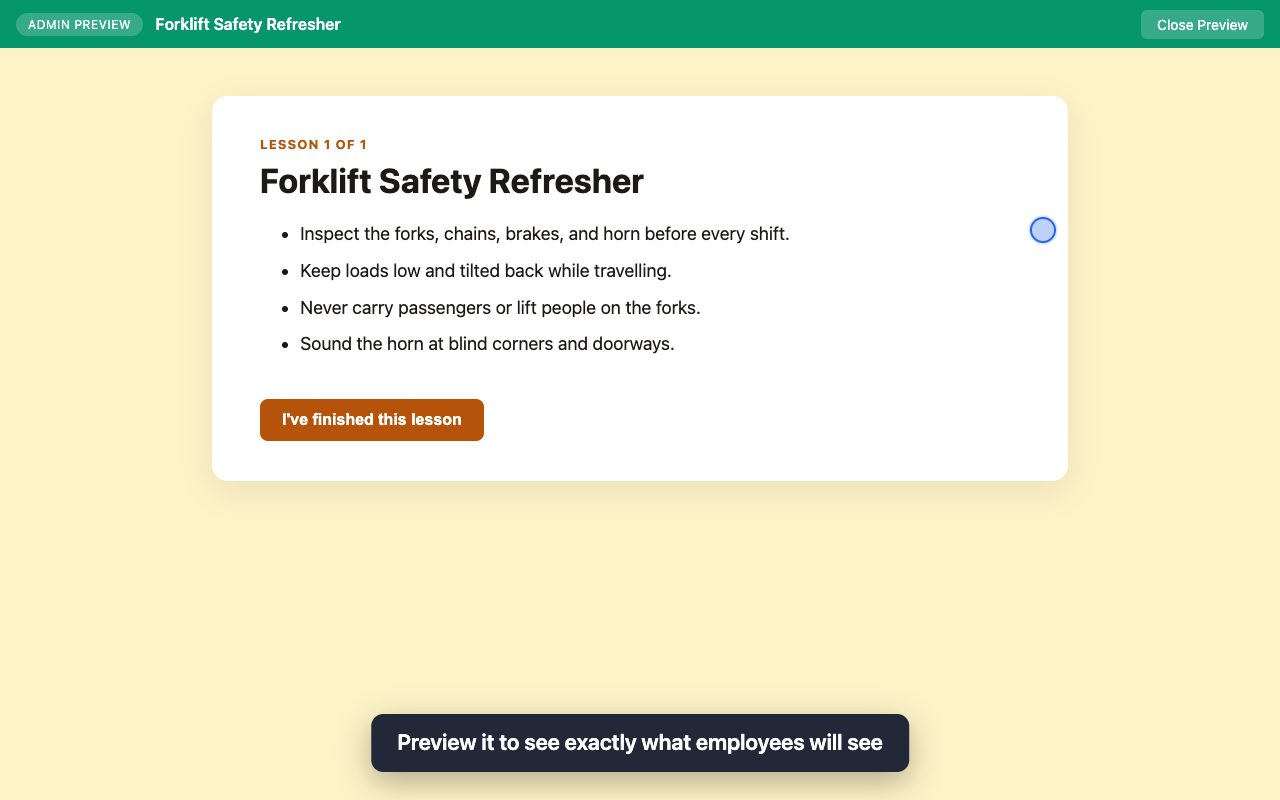
Upload a SCORM course from Articulate, Captivate, iSpring, or any authoring tool, preview it, and deliver it to your team from an email link.
 0:41
0:41
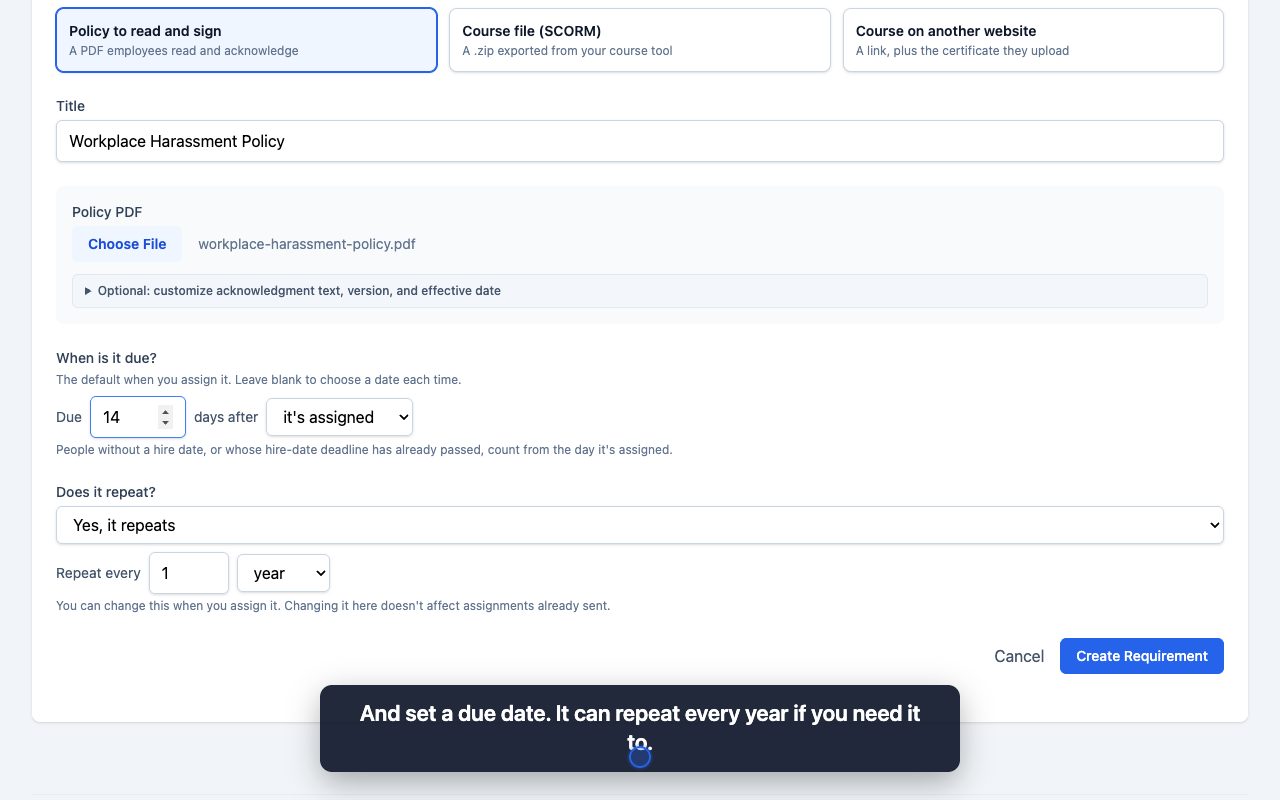
Upload a policy PDF to Ethica and have every employee read and acknowledge it from an email link, with the date and time of each sign-off recorded.
 0:52
0:52
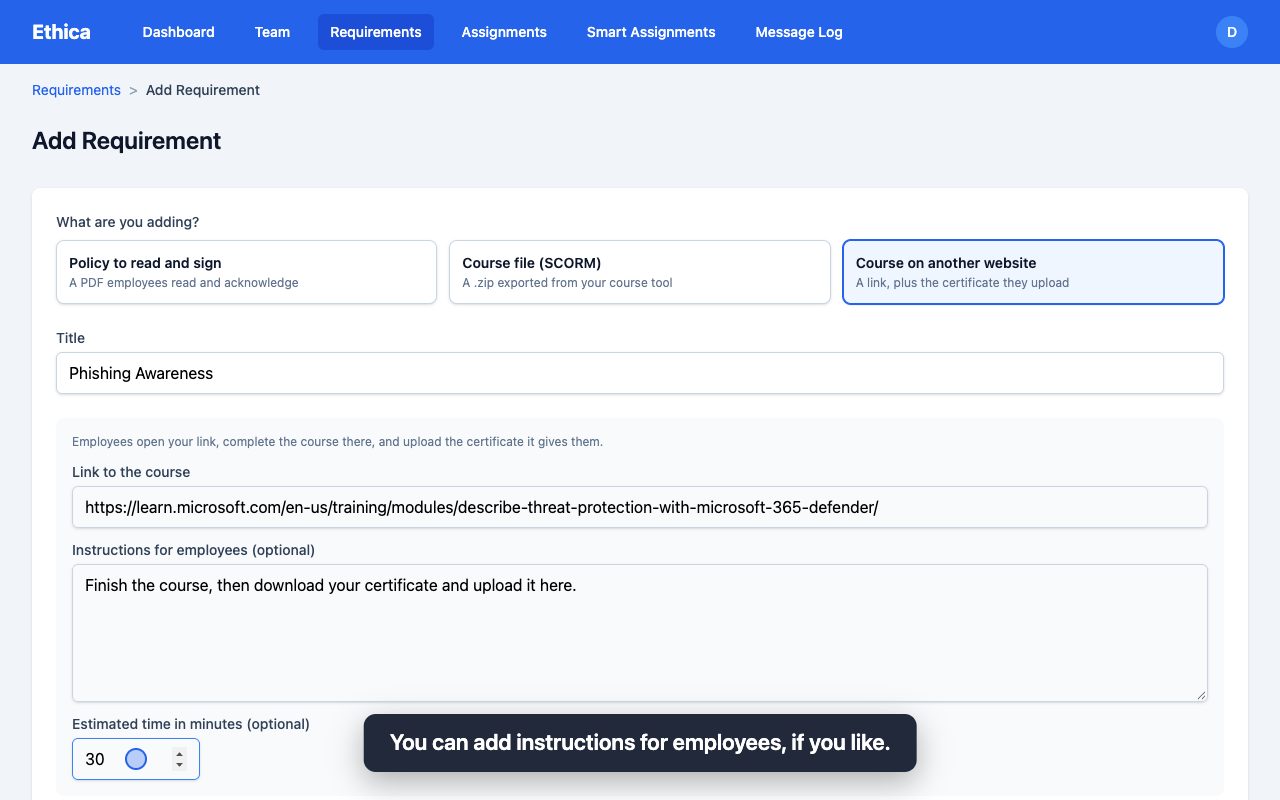
Assign a course from another site, such as Microsoft Learn or a vendor portal, and have employees upload their completion certificate to Ethica.
 0:51
0:51
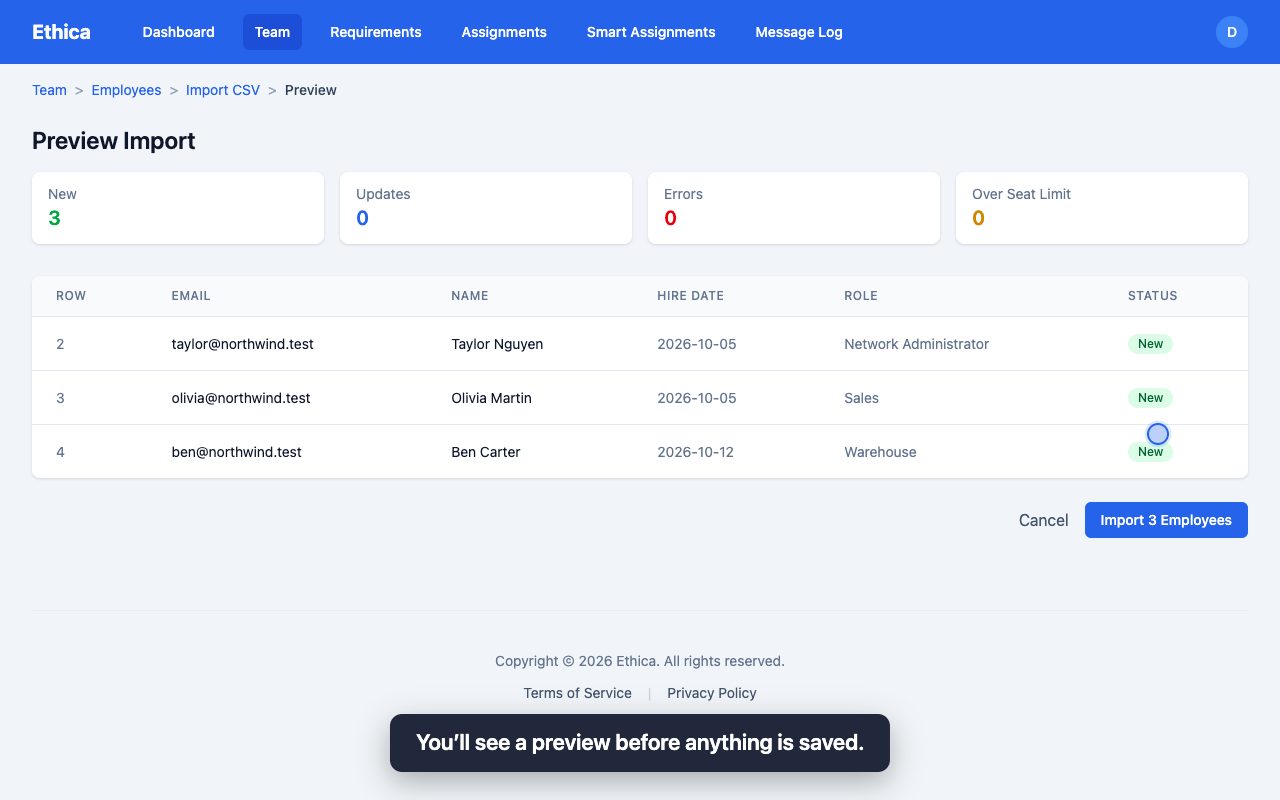
Add employees to Ethica individually or import your whole team from a CSV file, with optional hire dates and roles. Employees never need an account.
 1:01
1:01
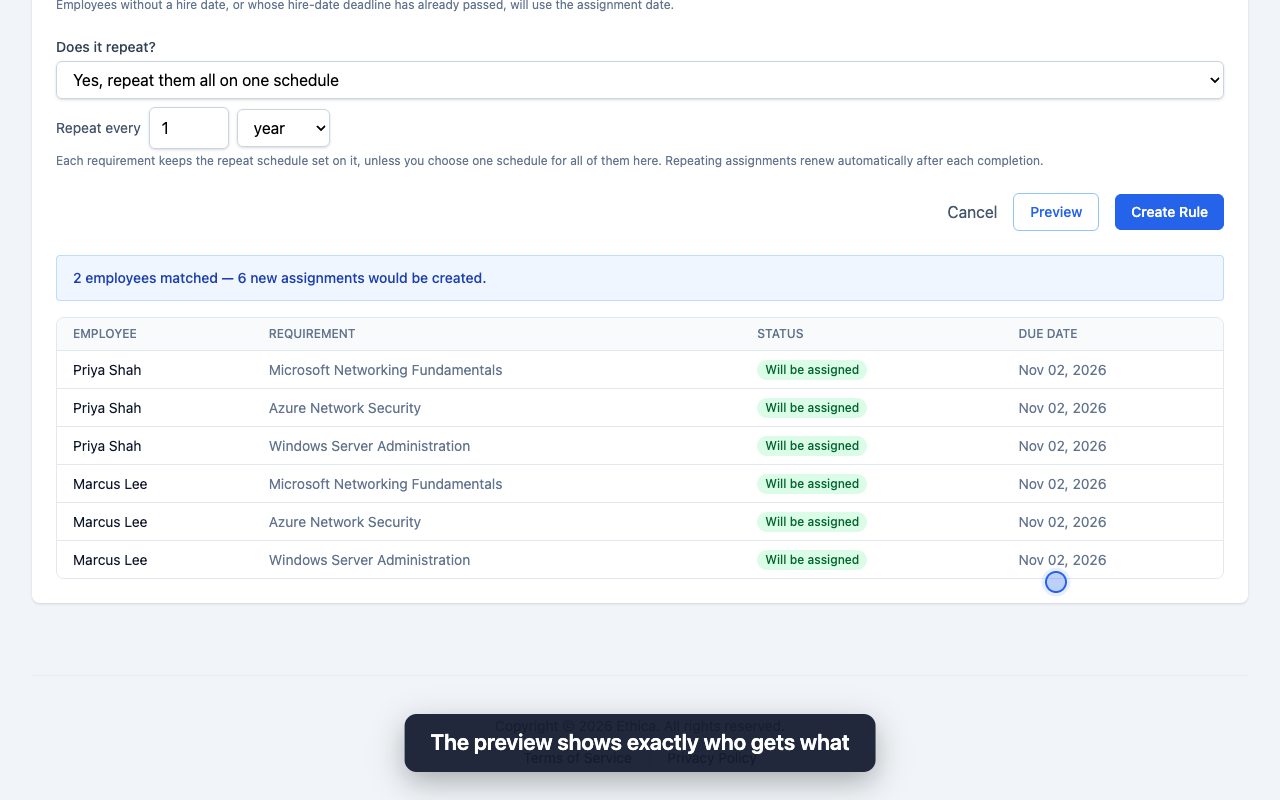
Smart Assignments send training to everyone, or to everyone in a role, including new hires. Set it up once and Ethica assigns it from then on.
 0:36
0:36
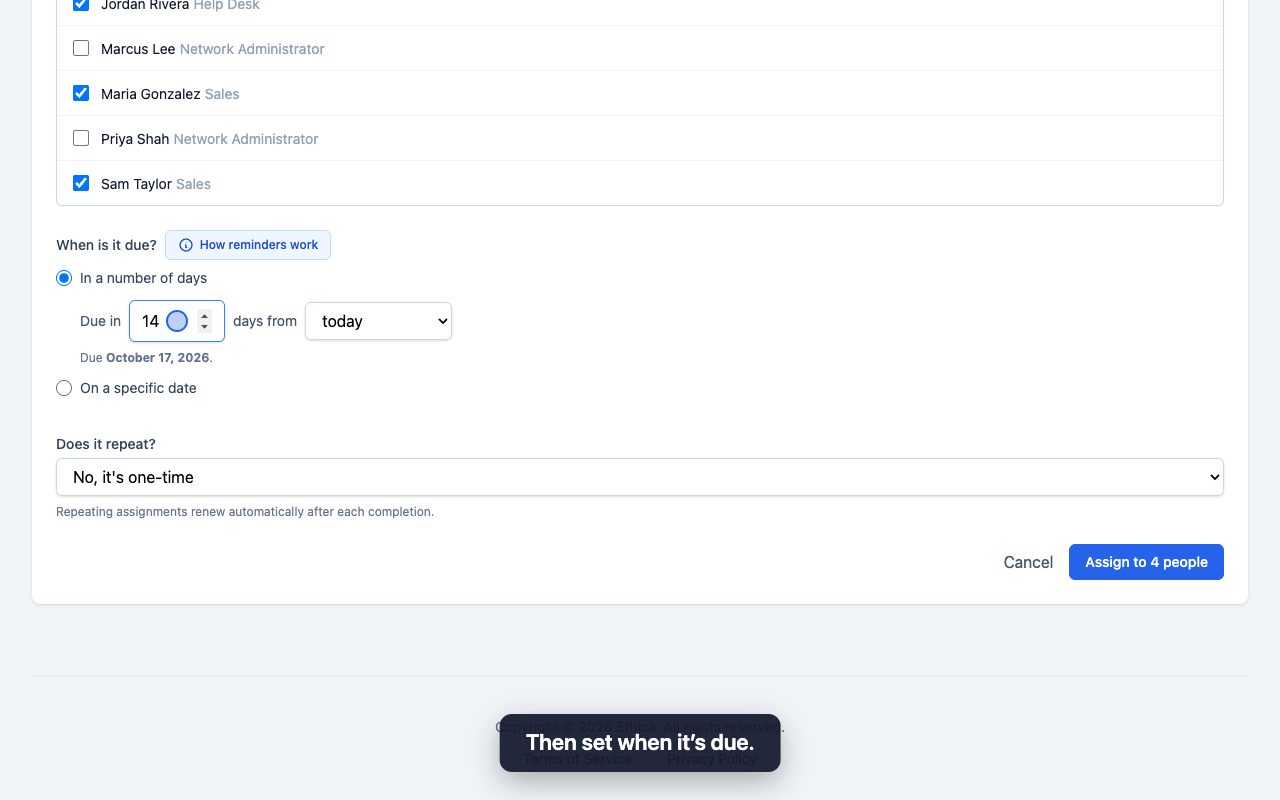
Assign a course or policy to the specific people you choose, set a due date, and let automatic reminders do the chasing.
 0:58
0:58
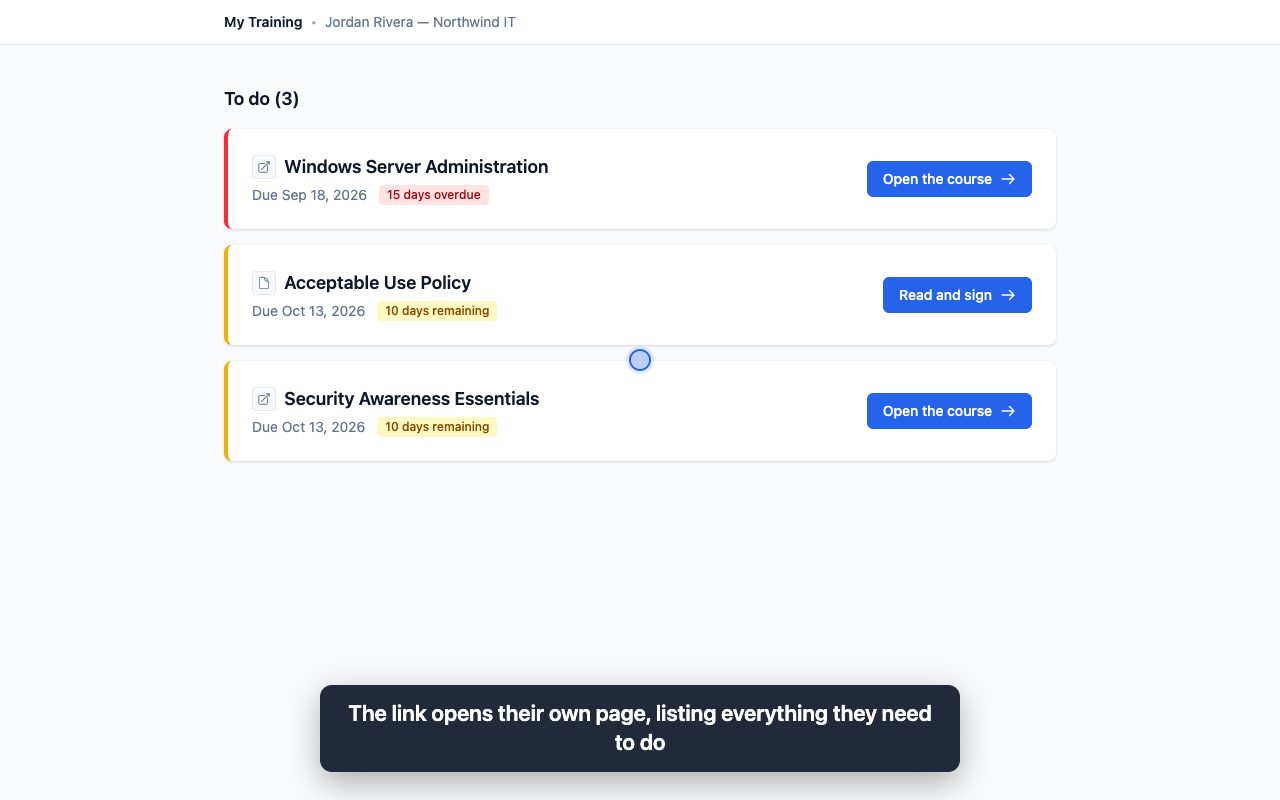
See the employee side of Ethica: an email with a private link, a personal training page, and a quick policy sign-off. No account or password.
 0:44
0:44
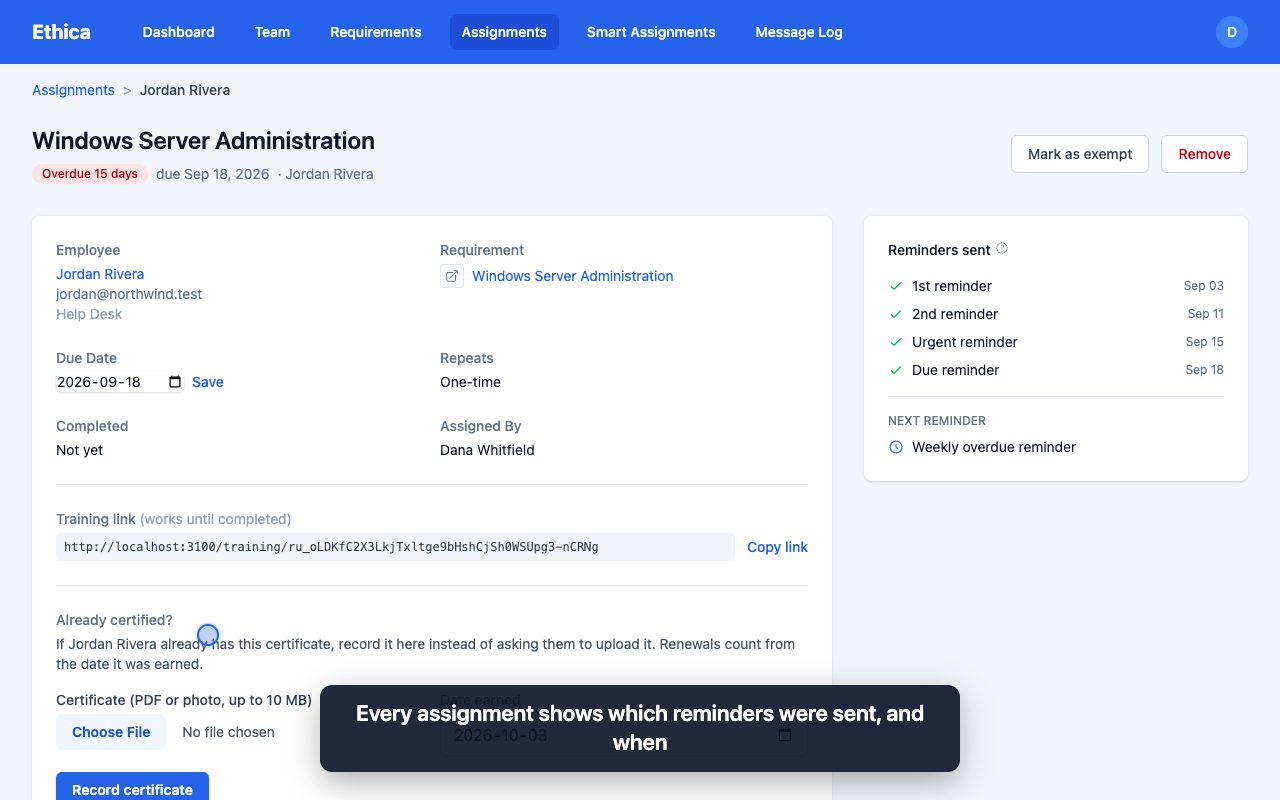
Ethica emails employees reminders before their training is due and weekly once it's overdue, and keeps a copy of every email it sends.
 0:36
0:36
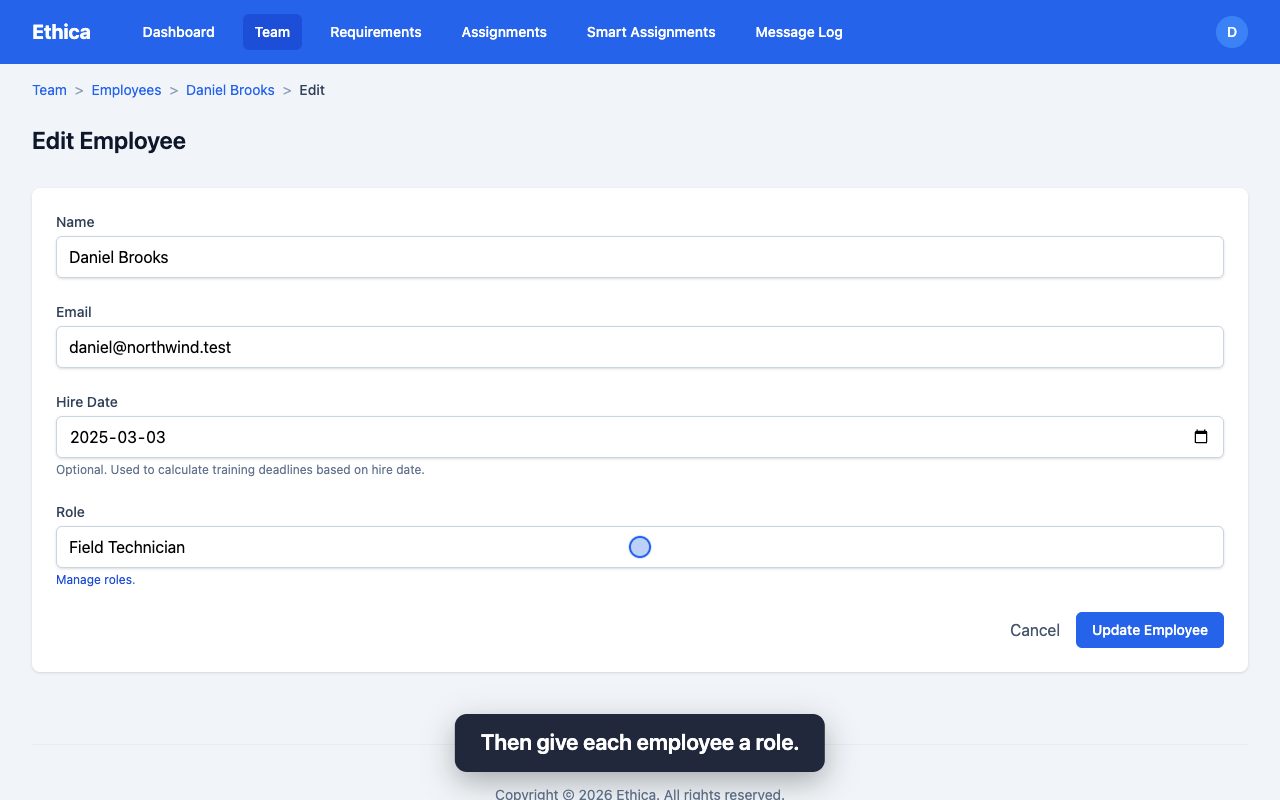
Create roles such as Network Administrator or Warehouse in Ethica, then put employees in them so each role gets its own training automatically.
 0:31
0:31
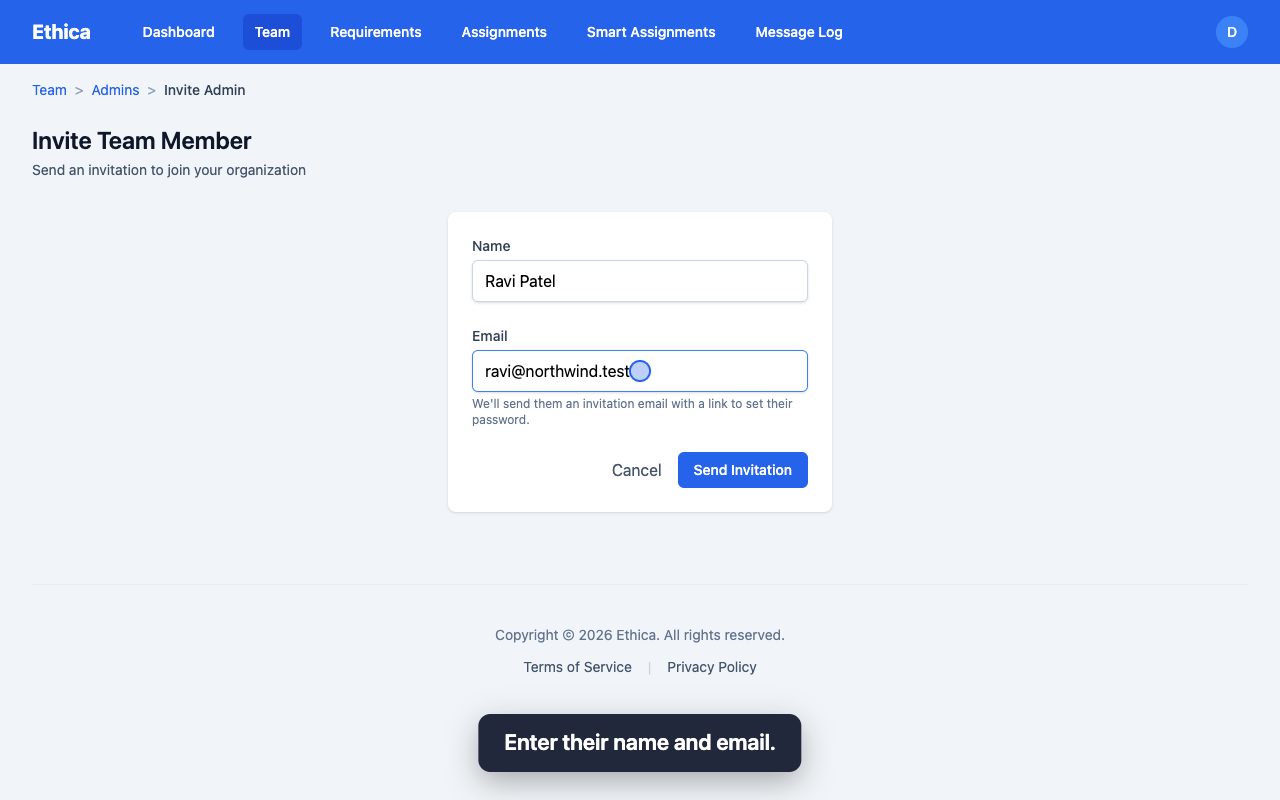
Invite a colleague to your Ethica account as an admin so they can manage employees, assign training, and pull records.
 0:42
0:42
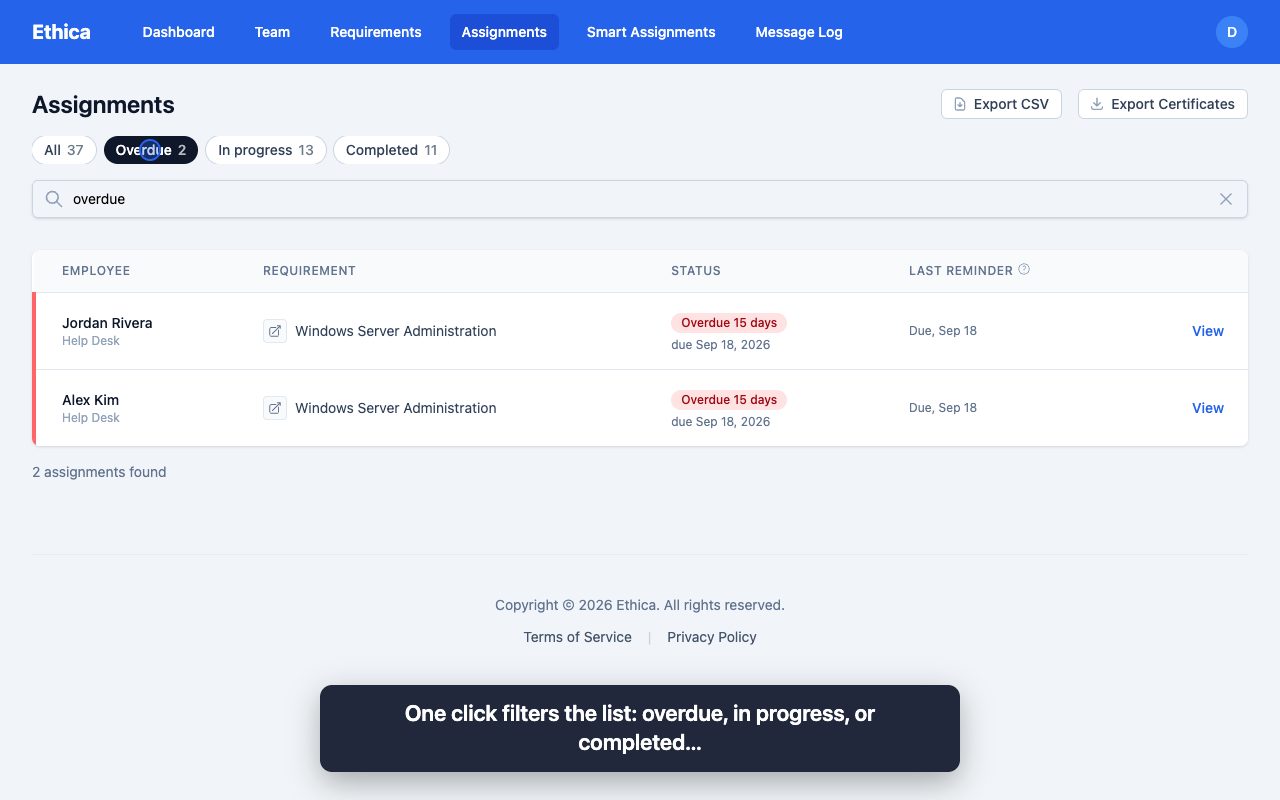
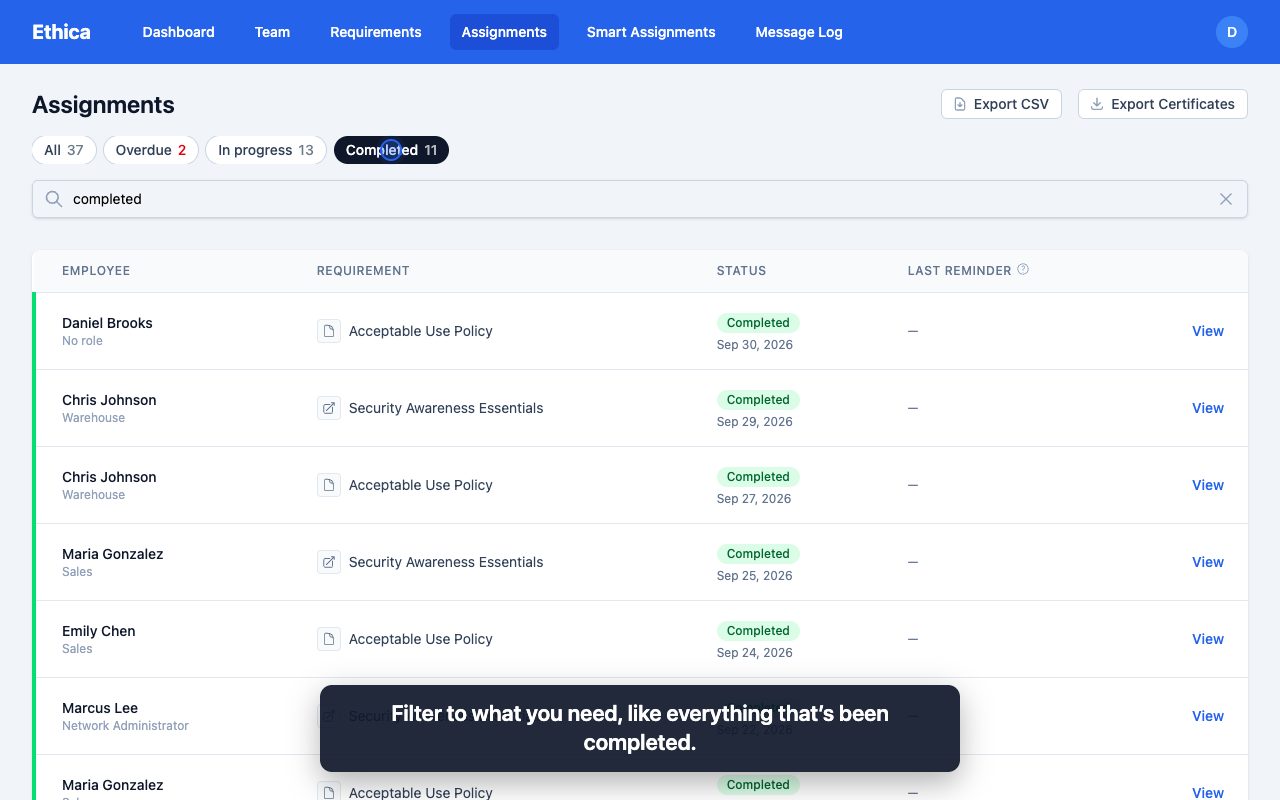
Use Ethica's dashboard and assignment search to see who is done, who is in progress, and who is overdue, filtered by role, course, or person.
 0:49
0:49
Export a CSV of training completions and a zip of every certificate from Ethica, ready for an auditor, inspector, or customer questionnaire.
Book a walkthrough and we'll show you how Ethica fits your team, or start a free trial and try it yourself.